
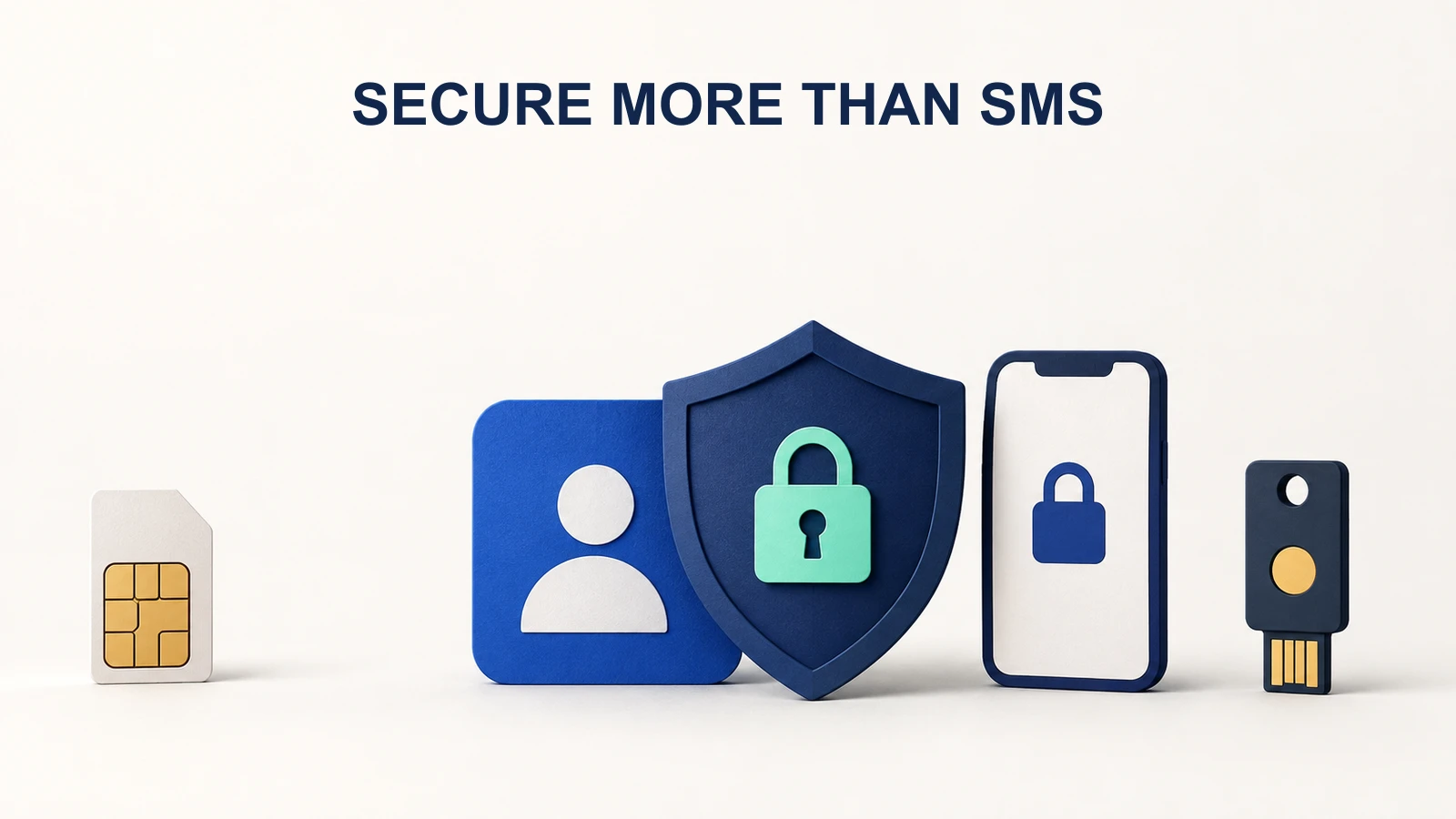
Reduce dependence on your phone number for crypto-account security, secure the email account behind it and prepare a recovery plan before losing a device. A SIM swap can divert calls and SMS without giving the attacker physical possession of your phone.
SABRIC describes South African cases where number takeover combines with stolen credentials to intercept one-time codes. An unexplained loss of mobile service deserves prompt investigation, especially alongside account alerts. It is not proof of fraud by itself, but waiting for certainty can leave important accounts exposed.
Identify the access chain
Write down which email, phone number and recovery methods control each exchange account. Then check what controls the email account and any cloud service storing passkeys or authenticator backups. Securing the exchange while leaving its recovery email weak leaves another path open.
A device PIN, a SIM PIN and an exchange password serve different purposes. A SIM PIN can help protect a physical SIM in a stolen device; it is not a guarantee against a fraudulent replacement issued by the mobile operator. Use the operator's current account-protection options and keep its official support route accessible elsewhere.
Verify provider options rather than assuming them
| Provider control documented at verification | What it helps with | What to inspect in your account |
|---|---|---|
| VALR authenticator-app 2FA | Reduces reliance on SMS codes | App setup, recovery and current security settings |
| VALR withdrawal-address restriction | Limits withdrawals to saved destinations | Cool-down, disabling process and impact on VALR Pay |
| Luno passkeys or 2FA for sends | Additional authorisation for crypto sending | Updated app and configured factor |
| Luno trusted device | A security factor targeted by fake support callers | Recognised devices and official recovery process |
VALR's address-restriction guide, dated June 2023 and re-read for this article, warns of a delay for new addresses and an effect on VALR Pay. Check the current confirmation screen and recovery process before enabling it; this article does not treat the older page as proof of every current account setting. Do not enable a control without understanding its effect on your planned payments and recovery.
Luno documents passkeys and app-based authentication for South African send flows. This guide does not claim that every provider supports every external hardware security key. Check the specific device and provider instructions before buying one for that purpose.
Printable account-hardening checklist
Use the accompanying downloads/account-hardening-checklist.csv locally. Record completion dates, not secrets.
- Use a unique, strong password for email and each exchange.
- Enable the strongest supported authentication method you can recover securely.
- Review email forwarding rules, recovery contacts and active sessions.
- Review exchange devices, withdrawal destinations and unused API permissions.
- Store recovery material securely and separately from the only device that can log in.
- Keep official bank, mobile-network and exchange support routes accessible offline.
- Rehearse how to report a lost device without disabling protections unnecessarily.
Never put passwords, seeds, backup codes or PINs into the checklist. A record that a backup exists is enough; the backup itself belongs in a secure location.
If service disappears unexpectedly
Use a trusted second device or connection to contact your mobile operator and bank through independently verified channels. Ask whether a SIM replacement or number port was initiated and report suspected unauthorised activity. If financial accounts may be exposed, notify the bank and exchanges promptly rather than waiting for mobile service to return.
From a device you trust, secure the email account and review sessions and recovery changes. Ask affected exchanges to apply their incident process or restrictions. Preserve alert messages, timestamps and case numbers. Do not install remote-access software at an unsolicited caller's request.
Avoid hurriedly transferring assets to an address supplied by a supposed support agent. Account recovery and asset movement are different tasks; a compromised computer can also substitute a destination address.
Recover without removing every defence
Luno warns that unsolicited callers may ask users to remove trusted devices, passkeys or 2FA. Genuine recovery should begin through the official channel you opened. Follow the provider's identity checks and keep evidence of the request.
If you lost an authenticator, use its documented recovery method or the exchange's recovery process. Do not share the setup key with a helper. After recovery, review devices, API keys, withdrawal addresses and email settings before resuming normal activity.
The wallet hub and exchange hub cover the surrounding custody choices. No checklist guarantees prevention, but separating phone-number access from account authorisation removes an avoidable dependency. Review the checklist again after changing your phone, email account or recovery method.
Sources and verification
Primary sources checked on 20 September 2026. Prices, availability and processing arrangements can change.