
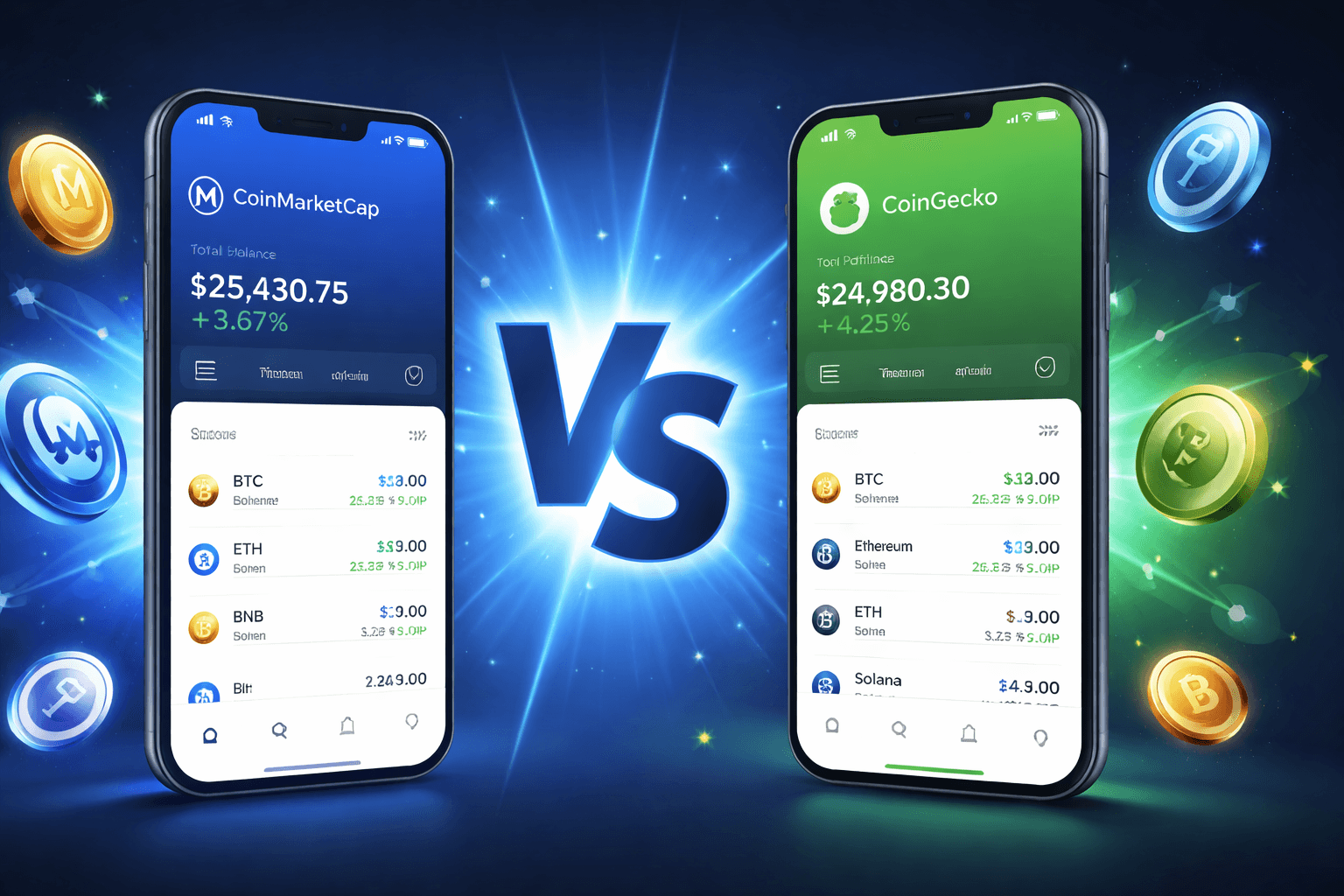
Tracking your crypto holdings is one of the first practical skills new users learn. A portfolio tracker shows your total value, individual asset performance, profits or losses, and overall balance in one dashboard. It turns scattered transactions across wallets and exchanges into clear numbers.
CoinMarketCap and CoinGecko both offer completely free portfolio tools designed for everyday use. Neither requires payment, and both focus on manual data entry to keep your information private. Here is a clear, side-by-side comparison to help beginners choose the right starting point.
Core Features Compared
Both platforms update prices in real time from major exchanges. You add transactions by entering the coin, quantity, purchase price, date, and fees. The tools then calculate current value and profit or loss automatically.
Feature | CoinMarketCap | CoinGecko |
Manual transaction entry | Yes | Yes |
Exchange or wallet sync | Limited API connections and wallet links (use with caution) | Manual only (no API or wallet connections) |
Number of coins supported | Over 20,000 | Over 18,000 plus NFTs |
Watchlists or lists | Separate Watchlist feature | Unlimited custom lists (by chain, strategy, or category) |
Price alerts | Yes | Yes, plus mobile widgets |
Multiple portfolios | Yes | Yes |
Mobile app | iOS and Android, full sync | iOS and Android, full sync plus home-screen widgets |
P&L and balance charts | Yes | Yes |
CoinMarketCap separates “Portfolio” (your actual holdings) from “Watchlist” (coins you are watching). This keeps invested assets distinct from research ideas. CoinGecko combines the ideas into flexible lists that you can organize however you like and even share with others.
Step-by-Step Setup on CoinMarketCap
Visit coinmarketcap.com and create a free account or log in.
Click the Portfolio icon or go directly to the portfolio tracker page.
Select “Create Portfolio” and name it (you can make several).
Search for a coin, click Add, enter quantity, purchase price, date, and any fees.
Repeat for every transaction.
Enable price alerts for any holding or watchlist coin.
Download the mobile app for on-the-go viewing and sync.
Step-by-Step Setup on CoinGecko
Go to coingecko.com and sign up or log in.
Click Portfolio in the top menu.
Create a new portfolio and give it a name.
Search for any coin or NFT, click the star or add button, and enter transaction details.
Build additional lists for different strategies (for example, one for Bitcoin and Ethereum, another for DeFi tokens).
Set custom price alerts directly from the coin page.
Install the mobile app to receive push notifications and see widgets on your home screen.
Which Tool Feels Simpler for Daily Monitoring?
If you already use Binance or want occasional wallet connections, CoinMarketCap may feel more familiar because of its data depth and integrations. If you prefer complete privacy with zero connections and like organizing by themes or chains, CoinGecko offers more flexibility and NFT support.
Both tools are lightweight and do not overwhelm beginners with complex charts or trading signals. Start with manual entry on either platform. It forces you to review every transaction and builds good record-keeping habits.
Mobile Experience
The apps for both platforms mirror the website experience and sync instantly. CoinGecko’s widgets let you glance at portfolio value without opening the app. CoinMarketCap’s clean layout works well on smaller screens for quick balance checks.
Final Recommendation for Beginners
Try both for a week. They are free and require no commitment. Most new users find one interface clicks faster than the other. The important part is consistent tracking, not which brand you choose. Over time you will learn to spot patterns in your own holdings and make more informed decisions.
Suggested FAQ section
How do I keep my data private on these trackers?
Stick to manual entry. Avoid connecting exchanges or wallets unless you fully understand the risks and trust the platform.
Do the tools calculate taxes?
No. They show basic profit and loss but do not replace dedicated tax software. Export your transaction history and consult a tax professional.
Can I track NFTs?
CoinGecko supports NFTs directly in portfolios. CoinMarketCap focuses on fungible tokens.
Are price alerts reliable?
Yes, both send notifications when a coin reaches your target price. Set them conservatively to avoid constant phone buzz.
Which tracker has more coins?
CoinMarketCap lists slightly more assets, but CoinGecko covers virtually every major token and adds NFTs.
Disclaimer: This content is for educational and informational purposes only and is not financial advice. Nothing here is a recommendation to buy or sell any asset or use any platform. Do your own research and manage your risk.