
Key Takeaways
Self-custody means you hold your own private keys, giving you full control over your crypto without relying on an exchange.
Hardware wallets are the safest way to store significant amounts of crypto, keeping your keys offline and away from hackers.
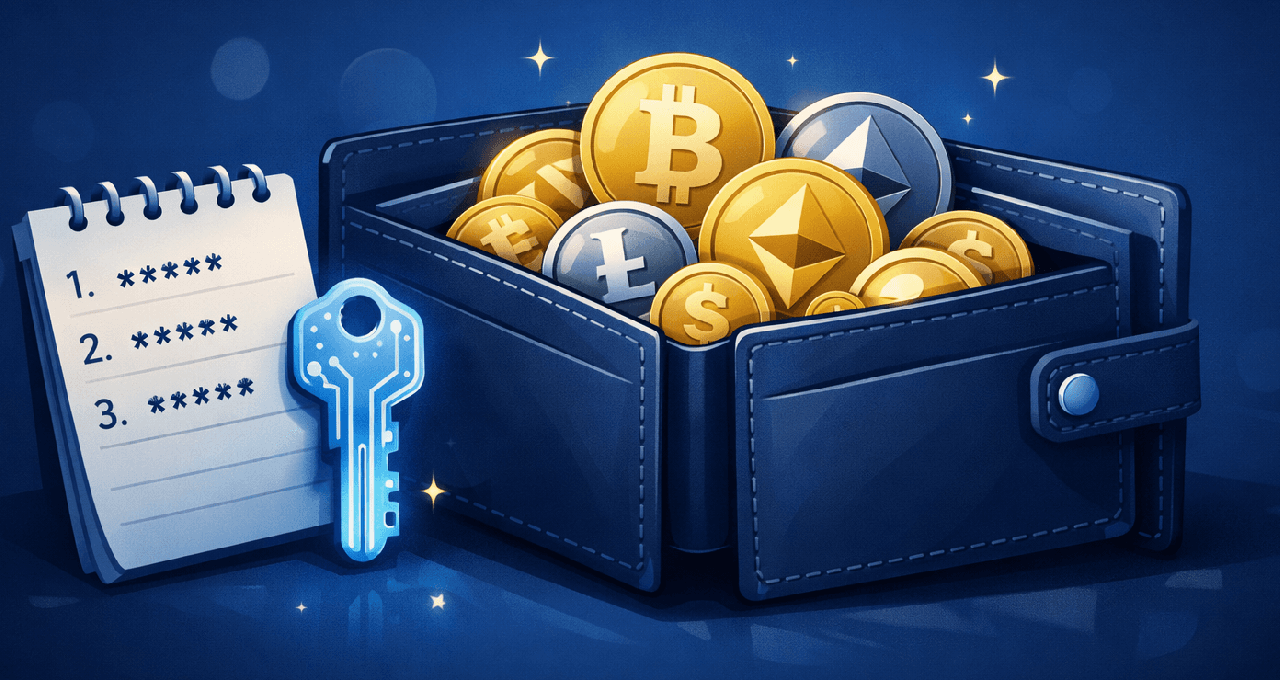
Your seed phrase is the master key to your funds. If you lose it, your crypto is gone. If someone else finds it, your crypto is theirs.
What Is Self-Custody and Why Does It Matter?
When you buy crypto on an exchange like Bybit, Weex and OKX, you do not technically own that crypto in the traditional sense. The exchange holds the private keys on your behalf. That means if the exchange is hacked, goes bankrupt, or freezes withdrawals, your funds could be at risk.
Self-custody changes that. When you self-custody your crypto, you hold the private keys yourself. No third party controls your funds. This is what the phrase "not your keys, not your coins" means in practice.
Events like the collapse of FTX in 2022, where billions of dollars in customer funds were lost or frozen, made self-custody a widely discussed topic. Understanding how to do it safely is now considered a foundational skill for anyone serious about holding crypto long-term.
Hot Wallets vs. Cold Wallets: What Is the Difference?
Before setting up any wallet, it helps to understand the two main categories.
Feature | Hot Wallet | Cold Wallet |
Connected to the internet | Yes | No |
Examples | MetaMask, Trust Wallet, Coinbase Wallet | Ledger, Trezor, Coldcard |
Ease of use | High | Moderate |
Security level | Lower | Higher |
Best for | Small amounts, frequent transactions | Long-term storage, larger holdings |
Cost | Usually free | Typically $50 to $200+ |
Hot wallets are software applications on your phone or browser. They are convenient for everyday use but are more exposed to online threats like phishing attacks and malware.
Cold wallets (hardware wallets) are physical devices that store your private keys offline. They sign transactions without exposing your keys to the internet, which makes them significantly more secure.
A common approach is to use both: a hot wallet for small, regular transactions and a hardware wallet for the bulk of your holdings.
How a Hardware Wallet Works
A hardware wallet is a small device, usually USB-sized, that generates and stores your private keys in a secure chip. When you want to send crypto, the transaction is signed inside the device itself. Your private key never touches your computer or phone.
Here is the basic flow:
You connect the hardware wallet to your computer or phone.
You initiate a transaction in the wallet software.
The transaction details are sent to the hardware wallet for review.
You physically confirm the transaction on the device.
The signed transaction is broadcast to the blockchain.
The key principle: the private key never leaves the device.
Popular hardware wallets include Ledger (Nano S Plus, Nano X) and Trezor (Model T, Safe 3). Both are widely used and have been audited by independent security researchers. Coldcard is another respected option, particularly popular among Bitcoin-only users who prioritize open-source firmware.
Step-by-Step: Setting Up a Hardware Wallet
Step 1: Buy from the official source Always purchase directly from the manufacturer's official website. Buying second-hand or from third-party resellers carries the risk of a tampered device.
Step 2: Verify the packaging When it arrives, check that the packaging is sealed and shows no signs of tampering. Legitimate hardware wallets will not ask for a seed phrase during unboxing. If yours does, do not proceed.
Step 3: Set up the device Follow the manufacturer's instructions to initialise the device. You will be prompted to create a PIN.
Step 4: Write down your seed phrase The device will generate a 12 or 24-word seed phrase. This is your recovery phrase. Write it down on paper. Do not photograph it. Do not store it digitally. Do not type it into any website or app.
Step 5: Verify your seed phrase Most devices will ask you to confirm the phrase by re-entering selected words. Complete this step carefully.
Step 6: Install the companion software Ledger uses Ledger Live. Trezor uses Trezor Suite. Install the official software from the manufacturer's website only.
Step 7: Test with a small amount first Send a small amount of crypto to your new wallet address. Confirm it arrives. Then test a withdrawal back to make sure everything works as expected.
Seed Phrase Security: The Most Important Thing You Will Read Today
Your seed phrase (also called a recovery phrase or mnemonic phrase) is a human-readable version of your private key. Anyone who has those 12 or 24 words has full access to your funds, from anywhere in the world, at any time.
What to do:
Write it on paper with a pen
Store it in at least two secure physical locations (e.g. a home safe and a trusted location offsite)
Consider engraving it on a stainless steel plate for fire and water resistance (products like Cryptosteel or Bilodeau exist for this purpose)
Tell a trusted person where it is in case of emergency
What never to do:
Never photograph your seed phrase
Never type it into any website, app, or cloud service
Never share it with anyone, including customer support
Never store it in a password manager, email, or notes app
Never enter it into any device other than your hardware wallet during the official setup process
Phishing attacks often mimic official wallet software and ask for your seed phrase. No legitimate company will ever ask for it. Ever.
Common Beginner Mistakes
Mistake | Why It Is Dangerous | What to Do Instead |
Storing crypto on exchanges long-term | Exchange failures or hacks can freeze or lose your funds | Move significant holdings to self-custody |
Buying hardware wallets from third parties | Devices may be pre-tampered | Buy only from the official manufacturer website |
Storing seed phrases digitally | Hackers or cloud breaches can expose them | Paper or steel, stored offline |
Using the same wallet for everything | Creates a single point of failure | Separate wallets for different purposes |
Ignoring firmware updates | Old firmware may have known vulnerabilities | Update regularly through official software |
Entering seed phrases into websites | Almost always a phishing scam | Your seed phrase should never leave paper |
Self-Custody Checklist
Use this checklist before and after setting up your hardware wallet:
Before setup:
Purchased directly from the official manufacturer
Packaging arrived sealed with no signs of tampering
Device did not prompt for a seed phrase before setup
During setup:
PIN created and memorised
Seed phrase written by hand on paper
Seed phrase verified on device
Seed phrase stored in a secure offline location
After setup:
Official companion software installed from the manufacturer's site
Small test transaction sent and confirmed
Small withdrawal tested and confirmed
Firmware updated to the latest version
Ongoing:
Firmware checked for updates regularly
Seed phrase backup location reviewed periodically
Trusted contact knows where the backup is stored
Is Self-Custody Right for Everyone?
Self-custody is powerful, but it also comes with full responsibility. If you lose your seed phrase and your device is destroyed, there is no password reset, no customer support call, and no way to recover your funds.
For people holding small amounts, learning with a hot wallet first can be a reasonable starting point. For those holding larger amounts or planning for long-term storage, hardware wallet self-custody is generally considered the safer approach.
If you are unsure, start small. Move a fraction of your holdings to self-custody first, test the process, and expand from there as your confidence grows.
FAQ
What happens if I lose my hardware wallet? Your funds are not stored on the device itself. They exist on the blockchain. As long as you have your seed phrase, you can recover your funds by entering the phrase into a new compatible hardware wallet or software wallet.
Can I use a hardware wallet with multiple cryptocurrencies? Yes. Most hardware wallets support hundreds of cryptocurrencies through their companion software or third-party integrations.
What is the difference between a seed phrase and a private key? A seed phrase is a human-readable representation of your master private key, typically 12 or 24 words. From this seed, all your wallet addresses and private keys are derived. Technically, if you have the seed phrase, you have everything.
Is it safe to use MetaMask or Trust Wallet? Hot wallets like MetaMask and Trust Wallet are legitimate and widely used. They are best suited for smaller amounts or active DeFi users. For long-term storage of significant holdings, a hardware wallet is generally the recommended approach.
What if my seed phrase backup is stolen? If someone gains access to your seed phrase, they can drain your wallet immediately and permanently. This is why physical security of your backup is just as important as digital security.
Do I need to back up each wallet address separately? No. One seed phrase backs up all addresses generated by that wallet. You only need to secure the seed phrase.
Disclaimer: This content is for educational and informational purposes only and is not financial advice. Nothing here is a recommendation to buy or sell any asset or use any platform. Do your own research and manage your risk.
More Read
Crypto Wallets for Beginners: Hot vs Cold. What's the Real Difference?
Top 5 Paper Trading Platforms to Practice Crypto Trading Risk-Free
Top 5 Crypto Exchanges for New Crypto Traders
How to Store Crypto Safely: Hot vs. Cold Wallets and Mistakes
Need deeper training?
Join our structured modules with live examples and expert checklists for effective implementation.
JOIN THE ACADEMY