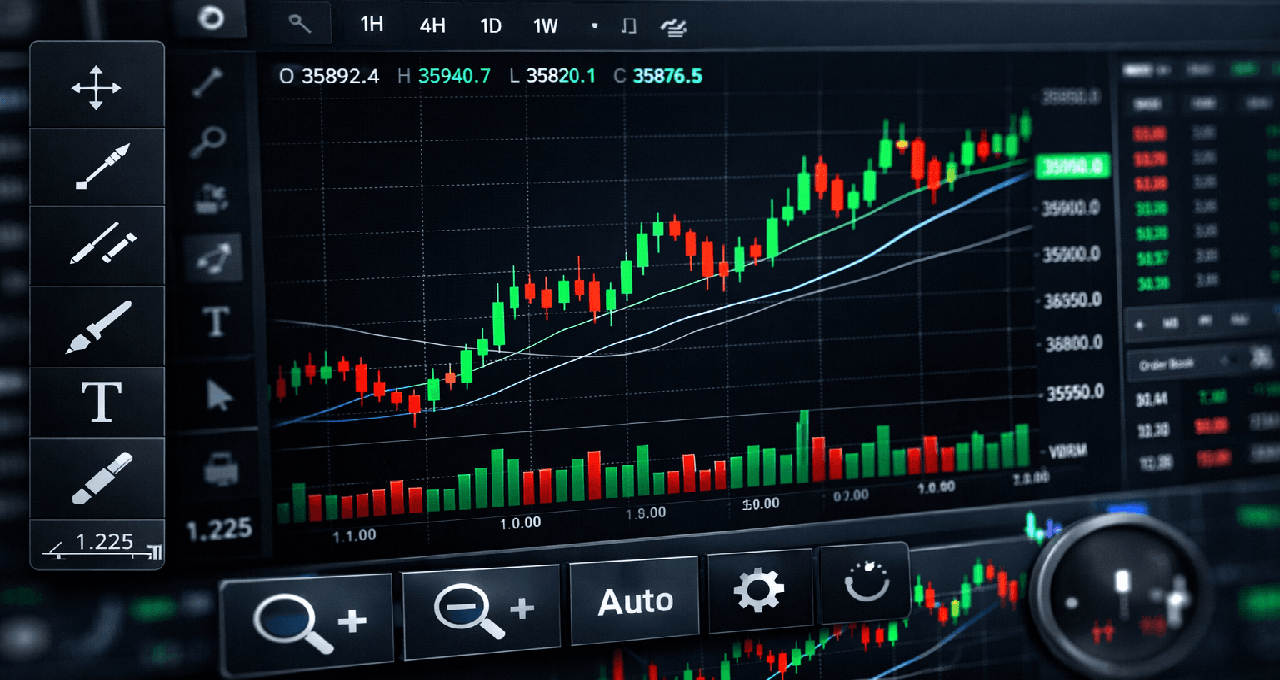
If you are just getting started with crypto trading, picking the right charting tool can feel scary. The good news? The perfect one for you is usually the simplest. It helps you clearly see price moves, trends, volume, support levels, and resistance without all the extra noise.
The best tool for beginners is rarely the one with every fancy indicator. It is the one with a clean screen, easy time-frame switching, and simple drawing tools that let you actually learn market structure. This guide breaks down the five tools most beginners compare so you can choose what fits you best.
What Beginners Need From a Charting Tool
Feature | Why it matters |
Clean interface | You can focus on price action without distractions |
Time-frame flexibility | You learn how short-term and long-term moves connect |
Drawing tools | Easy to mark support, resistance, and trends |
Asset coverage | You can compare different coins and markets |
Ease of learning | Less frustration so you stick with it and improve |
1. TradingView
TradingView is the most popular charting platform for good reason. It gives you clean charts, support for almost every crypto asset, strong drawing tools, and an interface that feels familiar whether you look at crypto, stocks, or bigger markets.
Best for
Most beginners
Learning real chart structure
Comparing crypto to other markets
Pros and Cons of TradingView
Pros | Cons |
Very clean and easy to read | Can feel overwhelming if you open every feature too early |
Works with tons of assets | Free plan has some limits on saved charts |
Excellent drawing tools | |
Huge community sharing ideas |
Beginner Rating: 5/5
This is the clear winner for almost everyone starting out.
2. Exchange Native Charts
Most crypto exchanges (like the big ones you already use) have their own built-in charts right next to the buy and sell buttons.
Best for
Quick price checks
Complete newbies
Simple spot trading
Pros and Cons of Exchange Native Charts
Pros | Cons |
Super convenient, no extra apps | Not as powerful for serious learning |
Simple and fast to use | Limited drawing tools and features |
Right where you trade | Weaker market context |
Beginner Rating: 4/5
Great for speed, but most people outgrow it quickly.
3. CoinGlass-Style Market Dashboards
These are not pure charting tools but big-picture dashboards that show funding rates, liquidation heat, and overall market mood.
Best for
Beginners who want extra market context
Moving beyond just looking at candles
Pros and Cons of CoinGlass-Style Dashboards
Pros | Cons |
Gives you the bigger market story | Not a full replacement for actual charts |
Shows useful data like liquidations | Interface can feel busier |
Helps you understand why prices move |
Beginner Rating: 4/5
Awesome for adding smart context once you are comfortable with basic charts.
4. GeckoTerminal / Dexscreener for On-Chain Charting
Many new tokens trade first on decentralized exchanges. These tools are built exactly for that on-chain world.
Best for
Exploring new tokens and DEX pairs
Learning how decentralized markets behave
Pros and Cons of GeckoTerminal / Dexscreener
Pros | Cons |
Perfect for on-chain token discovery | Interface feels less polished than TradingView |
Shows real liquidity and DEX activity | Not ideal for big-picture macro analysis |
Great for early-stage coins |
Beginner Rating: 4/5
If you trade on DEXes, these are must-haves.
5. Bookmap-Style / Order Flow Platforms
These more advanced tools show live order flow and market depth in a visual way.
Best for
Beginners ready to go deeper into how orders move prices
Pros and Cons of Order Flow Platforms
Pros | Cons |
Reveals hidden buying and selling pressure | Way too complex for most true beginners |
Helps you read market structure deeply | Can create confusion and bad habits early |
Specialized view most tools do not offer |
Beginner Rating: 3/5
Useful later, but skip it for now.
Comparison Table
Tool | Best for | Ease of use | Market depth | Beginner Rating |
TradingView | Core chart learning | High | High | 5/5 |
Exchange native charts | Quick trading checks | High | Basic | 4/5 |
CoinGlass-style dashboards | Broader market context | Medium | High context | 4/5 |
GeckoTerminal / Dexscreener | On-chain chart discovery | Medium | Strong DEX context | 4/5 |
Order flow tools | Advanced growth path | Low | Specialized | 3/5 |
Which One Should a Beginner Start With?
Keep it simple:
Start with TradingView first
Use your exchange’s native charts for quick trades
Add GeckoTerminal or Dexscreener if you trade on DEXes
Open CoinGlass when you want extra market context
That combination is more than enough for most beginners.
Final Thoughts
Charting should make trading clearer, not harder. If your setup feels confusing, it is probably too complicated. Pick one strong general platform, learn to read price cleanly, and only add extra tools when you actually need them. Start simple and you will improve much faster.
FAQ
What is the best charting tool for crypto beginners?
TradingView is the strongest starting point for almost everyone.
Are exchange charts enough?
They work fine for quick checks, but most people outgrow them fast.
Why use GeckoTerminal or Dexscreener?
They are the best for on-chain tokens and decentralized exchange activity.
Should beginners use order flow tools?
Usually not at the beginning. They can add unnecessary complexity.
What matters most in a charting platform?
Clarity, easy time-frame control, good drawing tools, and simple learning.
Disclaimer: This content is for educational and informational purposes only and is not financial advice. Nothing here is a recommendation to buy or sell any asset or use any platform. Do your own research and manage your risk.
Read More
Need deeper training?
Join our structured modules with live examples and expert checklists for effective implementation.
JOIN THE ACADEMY