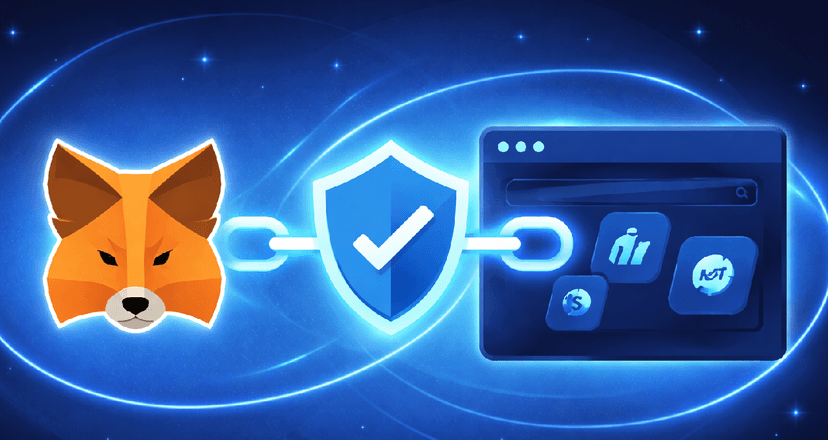
MetaMask is one of the most popular self-custodial wallets for interacting with Ethereum and compatible blockchains. Connecting it to decentralized applications (DApps) lets you trade, lend, or use NFTs, but it also introduces security risks if done incorrectly.
Why Safe Connections Matter
When you connect MetaMask, you grant the DApp permission to view your wallet address and initiate transactions on your behalf. Malicious DApps can drain funds if you approve unlimited spending or interact with fake sites.
Step-by-Step: Safe Connection Process
Verify the official DApp URL
Always type the URL manually or use a trusted bookmark. Phishing sites often use slight misspellings (e.g., metamask[.]io vs. the real metamask.io).Use the official MetaMask extension or mobile app
Download only from the Chrome Web Store, Firefox Add-ons, or official MetaMask website. Never click links from unsolicited messages.Connect via the DApp interface
Click “Connect Wallet” on the legitimate DApp. MetaMask will pop up and show the sites requesting access. Review the permissions carefully.Review and limit permissions
“View your address” is usually safe.
“Spend my tokens” or “Unlimited” approvals are risky. Approve only the exact amount needed.
Use tools like Revoke.cash or MetaMask’s built-in permission manager to revoke approvals later.
Enable additional security features
Turn on transaction simulation previews (available in recent MetaMask versions).
Use a hardware wallet (Ledger or Trezor) linked to MetaMask for signing.
Enable two-factor authentication on any linked accounts.
After connecting
Never leave large balances in the connected hot wallet. Move funds back to cold storage after use.
Common Scams and Red Flags
Fake airdrop or “connect to claim” sites.
Unsolicited Discord or Telegram messages asking you to connect.
DApps requesting signatures that look like blank messages (these can approve malicious contracts).
Best Practices Checklist
Use a separate “burner” wallet for new or untrusted DApps.
Check the DApp’s official social channels and smart-contract audits on platforms like DefiLlama or Etherscan.
Regularly review connected sites in MetaMask settings → “Connected sites.”
Keep your seed phrase offline and never enter it on any website.
Mobile vs. Desktop Considerations
MetaMask Mobile works similarly but requires extra caution with deep links. Always open the official app first and connect from inside it rather than clicking external links.
Following these steps reduces the risk of losing funds to the most common wallet-draining attacks.
Suggested FAQ
Q: Can a DApp steal my seed phrase through connection?
A: No. Connections do not expose your seed phrase. Only approved transactions can move funds.
Q: How often should I revoke permissions?
A: After every major interaction or monthly as routine maintenance.
Q: Is MetaMask safe if I use a hardware wallet?
A: Yes. The hardware device signs transactions, so even if MetaMask is compromised, funds stay protected.
Q: What if I accidentally approved a malicious contract?
A: Immediately revoke the approval using Revoke.cash and move any remaining funds.